
When a life comes to an end, families and communities want to focus on what truly matters: honoring their loved one in the best way possible. As a funeral home, you have the opportunity to guide them through the process and offer your attentive assistance.
Memoriasoft helps you keep case details clear and organized while offering your clients an easy way to share digital funeral invitations and create lasting digital memorials. With their community's contribution, they'll be able to gather memories, photos, videos, and condolence messages in the same space, creating
a living tribute to their loved one.


Create, review and modify cases by filling out a simple yet comprehensive form and keep all details neatly organized.

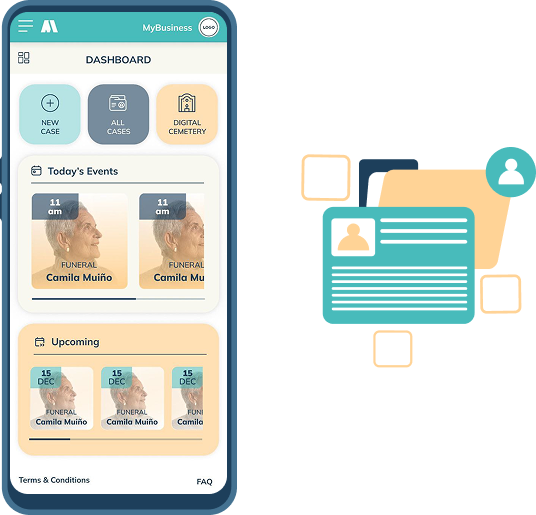
Set the date and location of services, easily edit them, and keep track of upcoming ceremonies at a glance from your dashboard.

A digital invitation to the ceremony is automatically generated for each case, allowing your clients to share it easily with just a link.

By assigning a next of kin to a case, you enable them to complete the funeral invitation, add family members, moderate the memorial content, and receive messages.

Your clients may choose to transform the invitation into a digital memorial after the ceremony by purchasing one of our packages. A space for sharing memories, videos, photos, and condolences.

Use the app and open the invitations and memorials in any device with an internet connection.

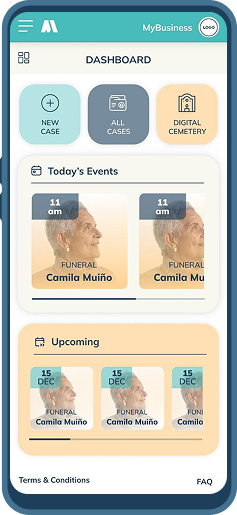
After setting up your profile with your business details, start creating your first case by adding the deceased's information, an optional photo, the next of kin's details, funeral arrangements, and any additional events if needed.
Access your dashboard to check upcoming ceremonies, review past cases, or create new ones.
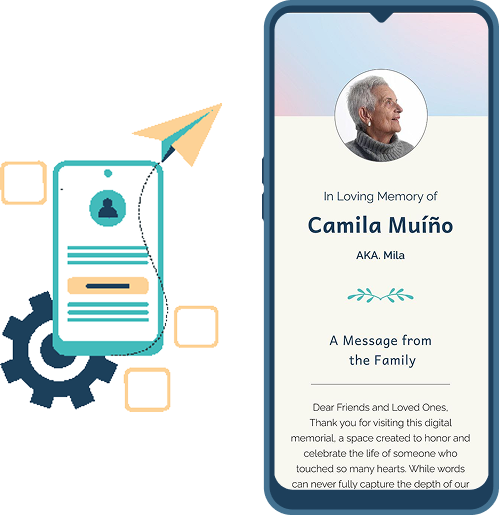

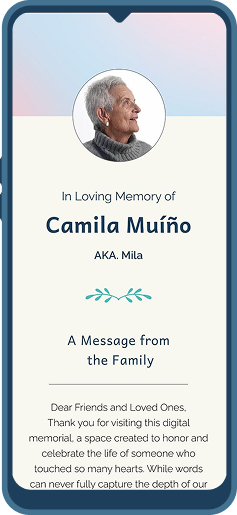
With each case, a digital invitation is automatically generated. With a simple link anyone can view the details about the deceased and funeral services.
The next of kin will be able to complete the page with additional details, such as a message from the family, a eulogy and a personal biography, as well as pictures and videos.
Any changes will be automatically reflected in the invitation.

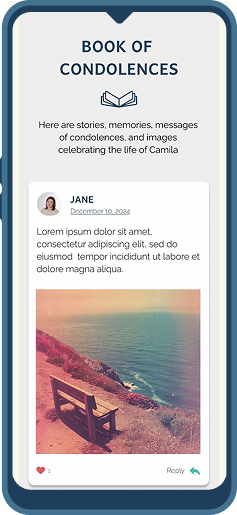
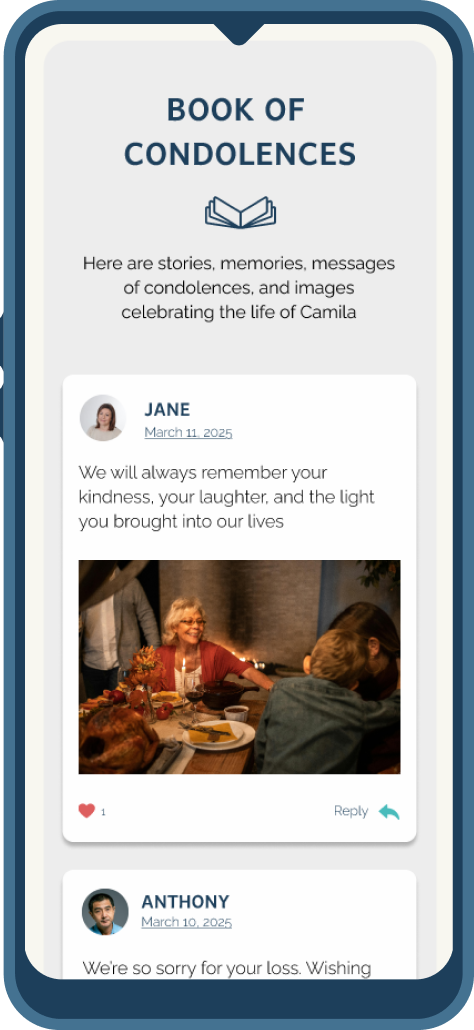
Your clients may choose to turn the invitation into a living digital memorial after the ceremony by purchasing one of our packages.
Anyone with the memorial link will be able to share memories, pictures, videos and send messages of condolence.
The next of kin will be able to moderate what content gets published with easy controls on their account panel.

What will your clients get?

Clear information of date, time and location, easy to share with family and friends through a single link.

The option to add an eulogy, share the cause of death and include a message from the family, as well as some words about the deceased.

Receive all messages in one place and respond easily via the app's dashboard.

Anyone can contribute by sharing their photos and videos of the deceased, creating a beautiful gallery of memories.

They can send the link to friends and family from any device with just a few clicks.

Simple controls let them manage who can access and contribute to the memorial, ensuring sensitive information is shared only with those they trust.


Would you like to have a branded version of the app?
Although MemoriaSoft provides its core functionalities to funeral homes for free, we also offer packages for enhanced customization and additional features:

Branded app
A customized version of the software that showcases your company's identity, branding, and unique look and feel.

Digital Cemetery
An online repository that allows you to manage and showcase memorial pages for all your clients, creating a virtual cemetery that is easy to navigate and rich in personalized content.
Contact us for more information
info@memoriasoft.com